Follow these steps to remove the Control IQ App.
Open the App and select the Settings Cogwheel

From the Settings Menu select “Account and Admins”

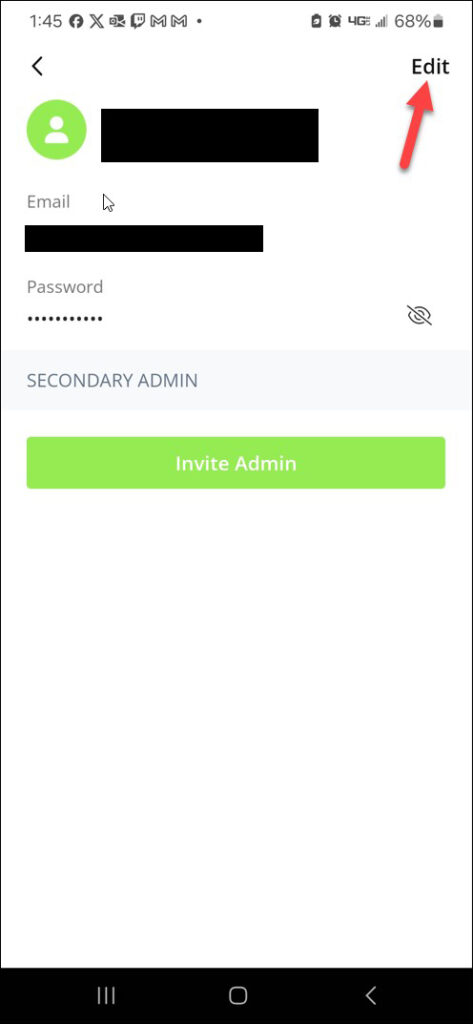
From the “Account and Admins Menu” Select your account and hit the “Edit” button
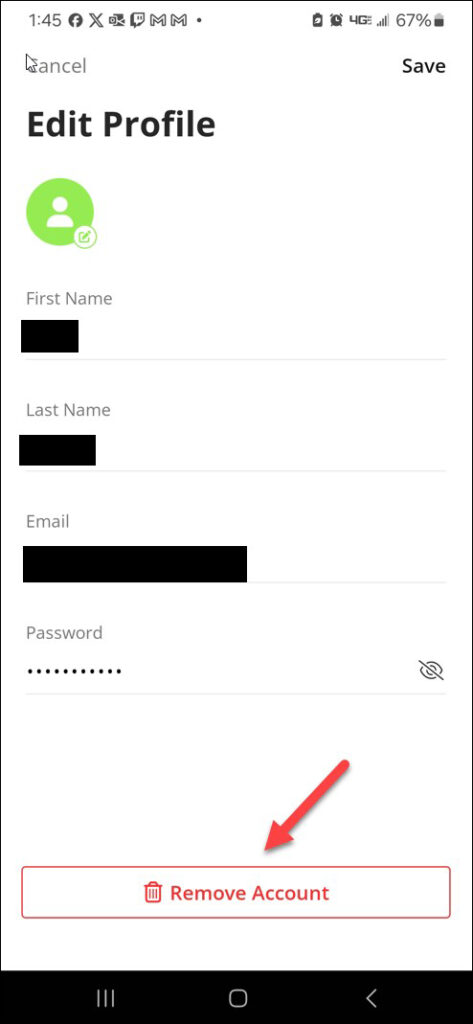
Under your Profile select the “Remove Account” button